Xbox Game Pass for PC 1 Month Key EU

Xbox Game Activation Guide
Redeem your Xbox game quickly and securely using your Microsoft account.
How to Activate
- Sign in to the Microsoft account where you want to add the game.
- Visit xbox.com/redeem.
- Enter your 25-character activation code.
- Click Next, review the product details, then select Confirm.
- Your game will be permanently added to your Microsoft account and will be available in your library.
Important Information
- Redeem the code using a Microsoft account that matches the product's supported region.
- If the product requires a VPN, connect to the specified country before redeeming the code.
- Once redeemed, the game is permanently linked to your Microsoft account and cannot be transferred.
View Your Library
After activation, your game will appear in your Xbox library and can be downloaded on supported devices.
Region Restrictions
-
Austria
-
Belgium
-
Czechia
-
Denmark
-
Finland
-
France
-
Germany
-
Greece
-
Ireland
-
Italy
-
Netherlands
-
Norway
-
Poland
-
Portugal
-
Spain
-
Sweden
-
Switzerland
-
United Kingdom
No countries found.
About Xbox Game Pass for PC
Xbox Game Pass for PC is Microsoft’s PC Game Pass plan: a prepaid library of PC games you download in the Xbox app on Windows. This Urazon listing is a 1 month prepaid term of that PC Game Pass plan.
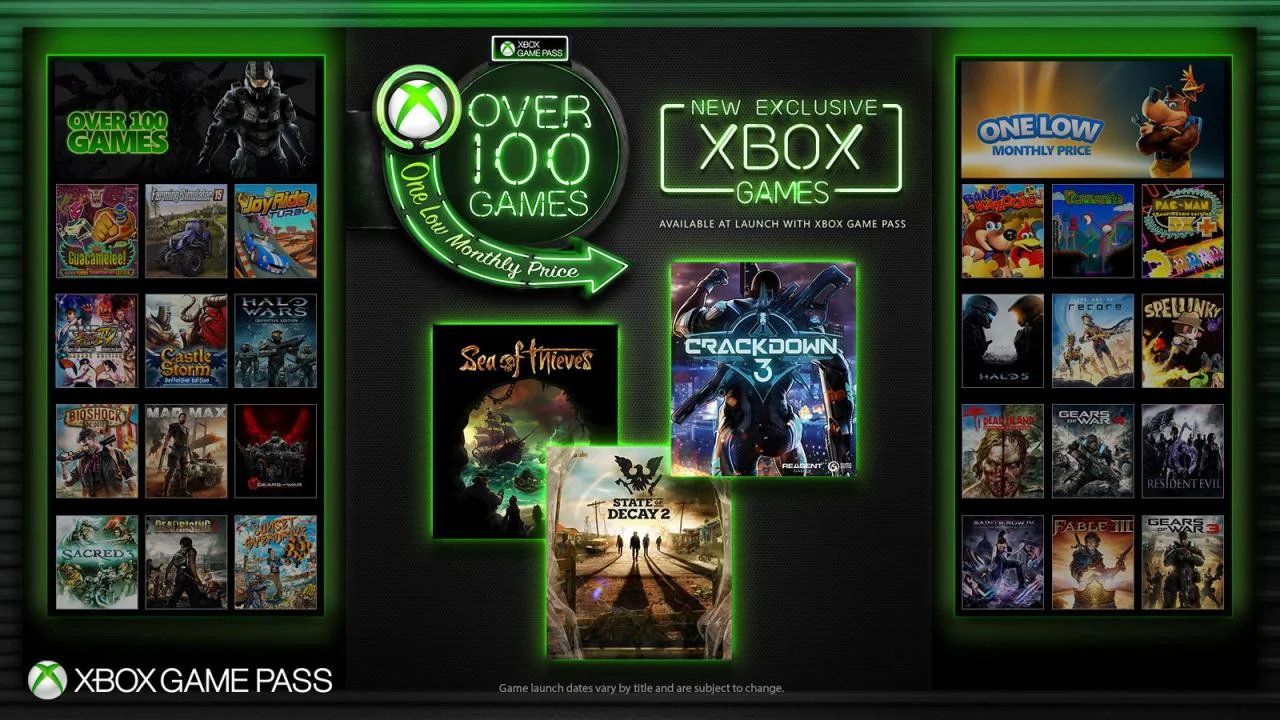
While the term is active you can play 300-plus games on PC, pick up new Xbox PC releases on day one, use included EA Play on PC, take member deals on selected library titles and earn Rewards points. The catalog, deals and benefits can change over time. This listing is region Europe.
Key Features
- One-month term: Redeem the code to add one month of PC Game Pass to one Microsoft account.
- 300-plus PC games: Official PC Game Pass lists 300+ games playable on PC only during the active term.
- Day-one PC releases: New Xbox PC games join the plan on launch day while you are subscribed.
- EA Play included: The plan includes EA Play on PC for the duration of the redeemed month.
- Member deals: Save on selected games and add-ons from the Game Pass library while subscribed.
- Windows Xbox app: Browse, install and play from the Xbox app on a supported Windows PC.
Xbox Version and Compatibility
This listing is Xbox Game Pass for PC. Play is on Windows through the Xbox app. Microsoft lists Windows 10 or 11, version 22H2 or higher. A Microsoft account is required to redeem the code and to use the plan. This is a PC plan; games in the library are playable on PC during the active term.
Europe Activation & What You Receive
You receive a 1 month Xbox Game Pass for PC subscription, delivered digitally as an Xbox activation code. Redeem it on one Microsoft account; once used, the month is tied to that account. This listing is region Europe; confirm Europe on this product page before you pay.
Why Buy This Subscription?
This fits players who want one prepaid month of Microsoft’s PC Game Pass library on Windows, with day-one Xbox PC releases, EA Play on PC and member deals, as a Europe code. If you need that 1 month PC plan, this listing contains that subscription code.
Related Games
For a longer PC Game Pass term, see Xbox Game Pass for PC 3 Months. For a one-month Ultimate plan, see Xbox Game Pass Ultimate 1 Month. For a one-month Essential plan, see Xbox Game Pass Essential 1 Month.
| Product Type: | prepaid |
|---|---|
| Genres: | Subscription |
| Platforms: | Xbox |
| Regions: | Row |
| Languages: |
|