Xbox Game Pass for PC - 1 Months EU PC Windows CD Key
Xbox Game Activation Guide
Redeem your Xbox game quickly and securely using your Microsoft account.
How to Activate
- Sign in to the Microsoft account where you want to add the game.
- Visit xbox.com/redeem.
- Enter your 25-character activation code.
- Click Next, review the product details, then select Confirm.
- Your game will be permanently added to your Microsoft account and will be available in your library.
Important Information
- Redeem the code using a Microsoft account that matches the product's supported region.
- If the product requires a VPN, connect to the specified country before redeeming the code.
- Once redeemed, the game is permanently linked to your Microsoft account and cannot be transferred.
View Your Library
After activation, your game will appear in your Xbox library and can be downloaded on supported devices.
Restrizioni regionali
-
Austria
-
Belgio
-
Cechia
-
Danimarca
-
Finlandia
-
Francia
-
Germania
-
Grecia
-
Irlanda
-
Italia
-
Norvegia
-
Paesi Bassi
-
Polonia
-
Portogallo
-
Regno Unito
-
Spagna
-
Svezia
-
Svizzera
Nessun paese trovato.
Informazioni su Xbox Game Pass for PC - 1 Months
Xbox Game Pass for PC targets the Windows desk first — a prepaid month of access to more than one hundred high-quality PC games without stacking console subscriptions you never touch. If your gaming happens on a keyboard and monitor, this tier keeps the catalog, the Xbox app, and fresh additions focused on what runs natively on Windows rather than what streams to a living-room screen.

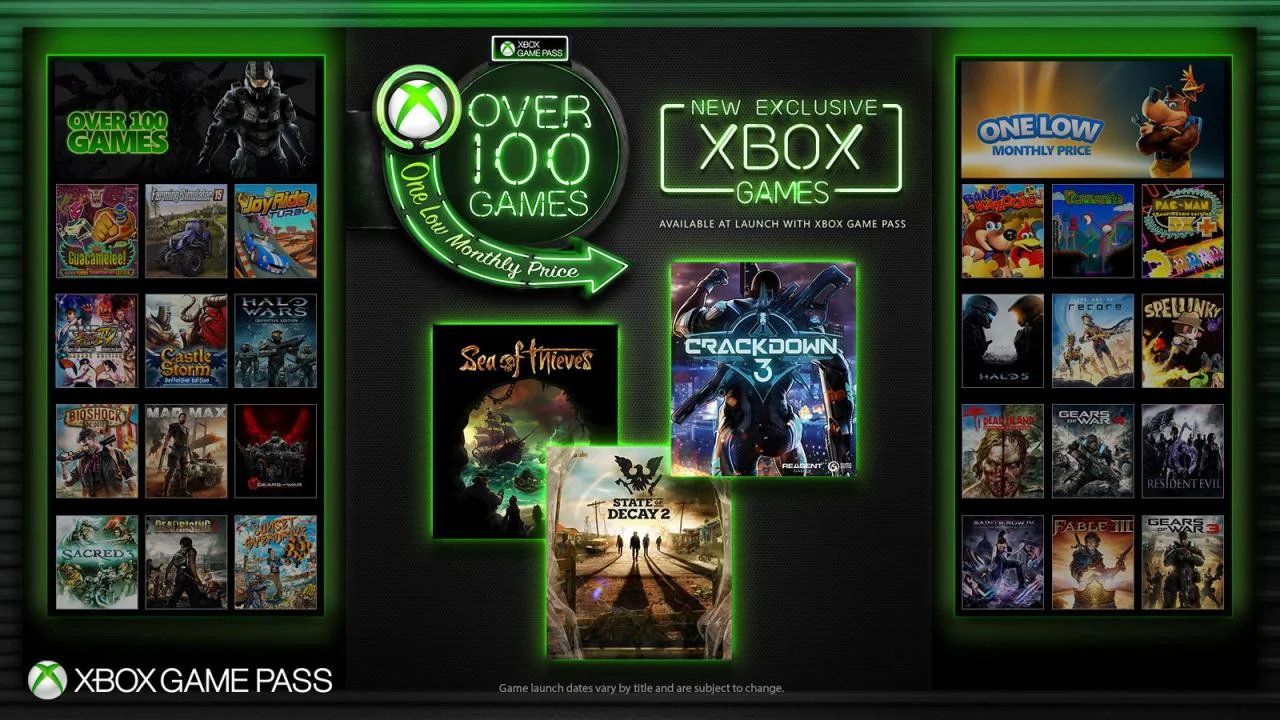
One Hundred Plus Titles and Day-One Studio Releases
The pass unlocks a rotating shelf of PC-first games alongside ports that shine with mouse-and-keyboard control — strategy, RPG, indie, and blockbuster action all share the same subscription gate. Microsoft adds titles regularly, so a quiet week on sale charts does not leave your library empty. New releases from Xbox Game Studios land on PC the day they launch, which makes Xbox Game Pass for PC the practical way to follow first-party launches from a desktop without buying each title at full price on day one.
Built for Windows Sessions, Not Console Extras
Downloads install through the Xbox app on Windows, where updates, saves, and achievements stay tied to your Microsoft account. This listing is for players who do not need console cloud streaming, bundled EA Play, or online multiplayer fees tied to a Series machine — it is the lean PC subscription when Ultimate’s cross-platform bundle would be paying for hardware you rarely switch on. Spend the month sampling genres you would never purchase outright: finish a narrative RPG, test a tactics title, then pivot when the catalog refreshes.

Friends, Chat, and a Month to Explore
The Xbox app shows what friends are playing and keeps party chat active as you hop between installed games — useful when your group mixes Game Pass downloads with owned Steam or Epic purchases on the same machine. A single prepaid month is enough to stress-test the catalog: see whether the rotation matches your tastes, clear a co-op campaign, and decide if a longer term makes sense before committing to three months or a console-inclusive tier.

Desk-only households can extend access with the Xbox Game Pass for PC three-month listing, while players who also use a Series console often compare Xbox Game Pass Ultimate or Xbox Game Pass Premium for cloud and couch play. Owned PC staples such as Euro Truck Simulator 2 and The Outer Worlds still belong in a permanent library for nights when you want a fixed favorite outside the rotating pass.
Xbox Game Pass for PC on a one-month prepaid code delivers a Windows-first catalog, day-one Xbox studio releases, and room to browse more than one hundred titles — activate once and let your next thirty days of desktop play choose themselves.
| Piattaforme: | Xbox |
|---|---|
| Regioni: | Row |
| Generi: | Subscription |
| Lingue: |
|
| Tipo di prodotto: | prepaid |
| Lingue: |
|
Nessuna recensione trovata Condividi le tue opinioni con gli altri.