PlayStation Network Key Activation
Redeem a PlayStation Network key through the PlayStation website or directly through your console.
Website activation
Activate your PlayStation Network key through the PlayStation Store website.
Open PlayStation Store1Sign in to PlayStation
Sign in to your PlayStation account by clicking the Sign In button in the upper-right corner.

2Open the account menu
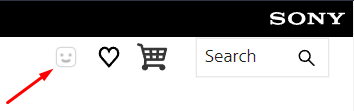
Click the little happy face icon to open the drop-down menu.
3Select Redeem Code
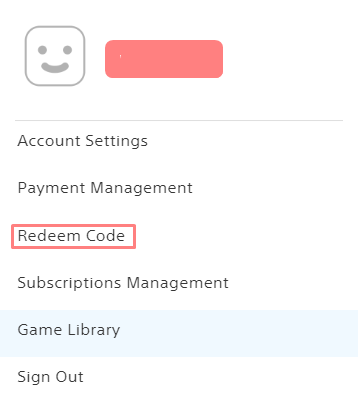
In the drop-down menu, select the Redeem Code section.
4Enter your key
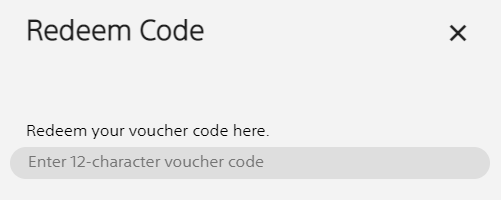
You should now be on the key redemption screen. Enter your key carefully and double-check that there are no mistakes.
5Confirm activation
You will be prompted with a confirmation screen showing the product that is about to be activated.
PlayStation 4 Key Activation
Use these steps to redeem your key directly on a PlayStation 4 console.
1Sign in to PSN
Make sure that you are logged into your PlayStation Network account.
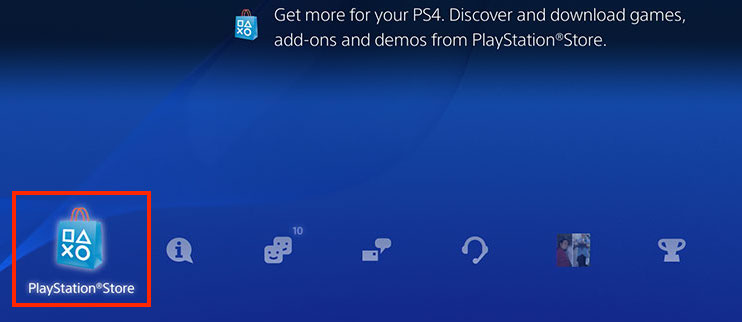
2Open PlayStation Store
Go to the PlayStation Store.
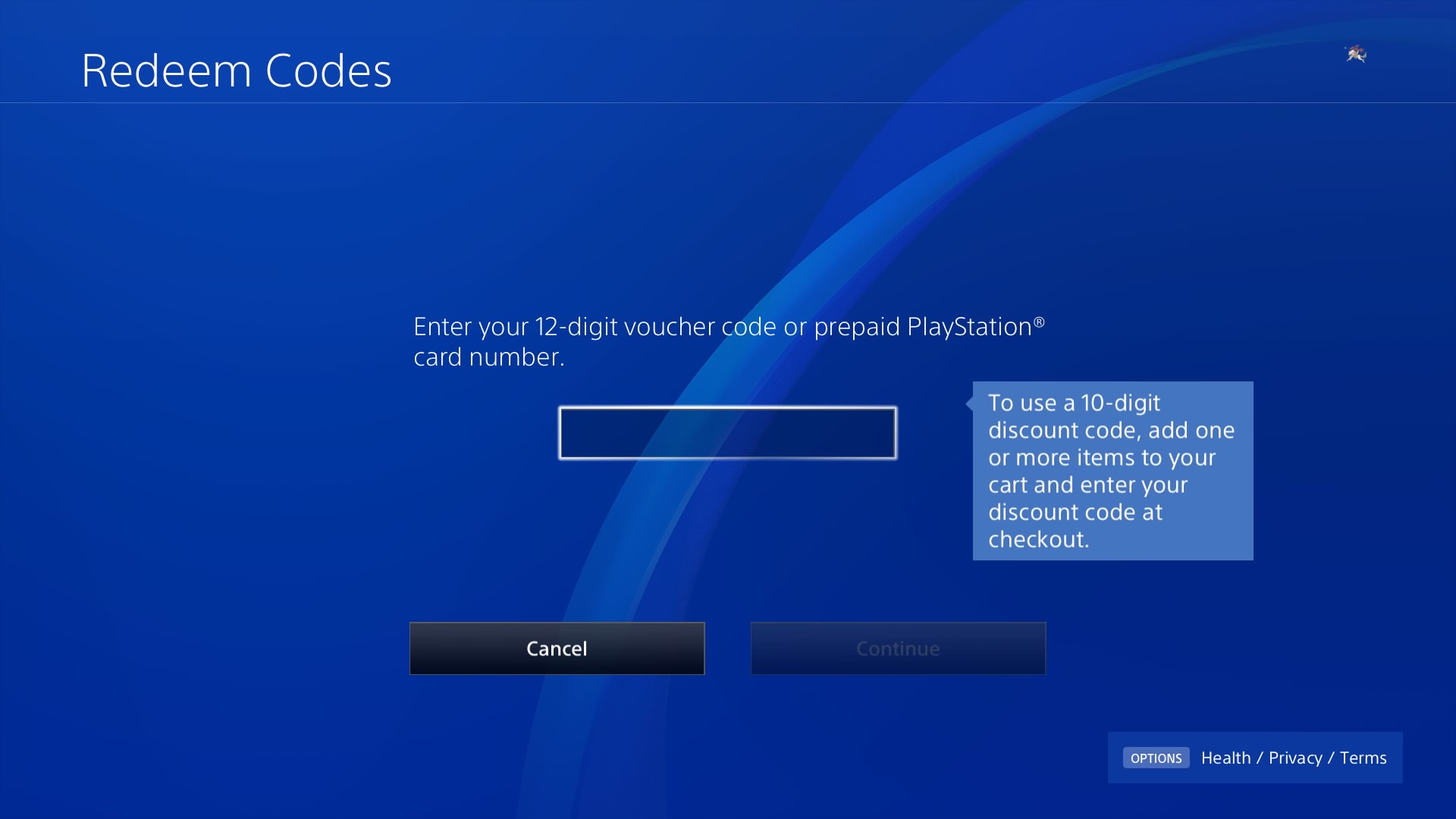
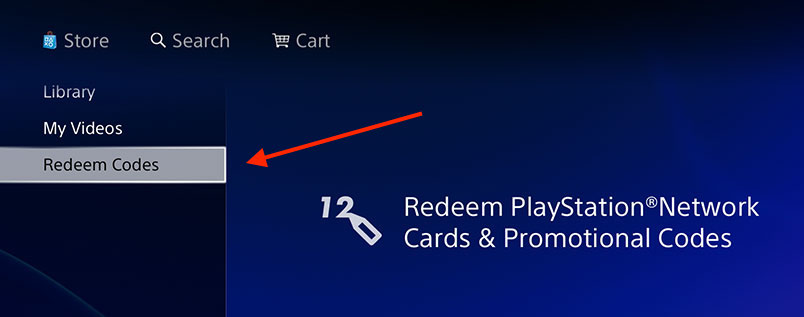
3Select Redeem Codes
In the navigation bar, select Redeem Codes.
4Enter your key
Enter your key in the provided field.