Search FAQ
Steam Key Activation
To activate your Product Key on Steam, first install the Steam Client Application. After downloading and launching the app, follow the steps below.
Install the Steam Client
Download the Steam Client Application from the official Steam page.
Download Steam Client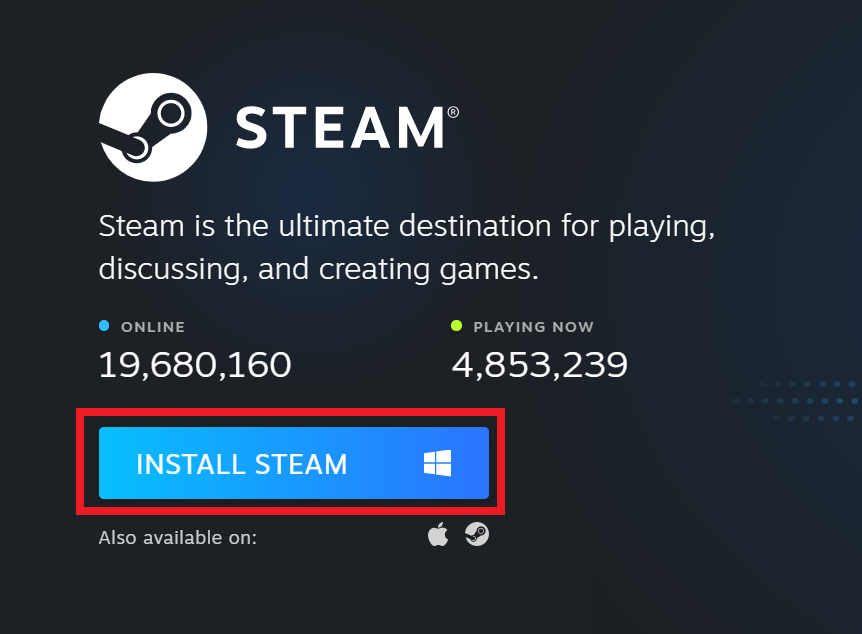
Activate your Steam key
1Open Activate a Product on Steam
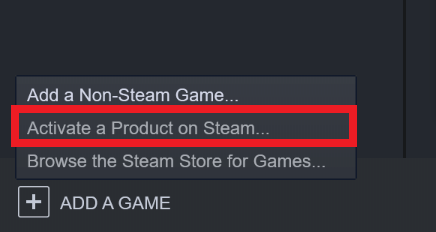
Sign in with your Steam login, select ADD A GAME, and then choose Activate a Product on Steam.
2Continue activation
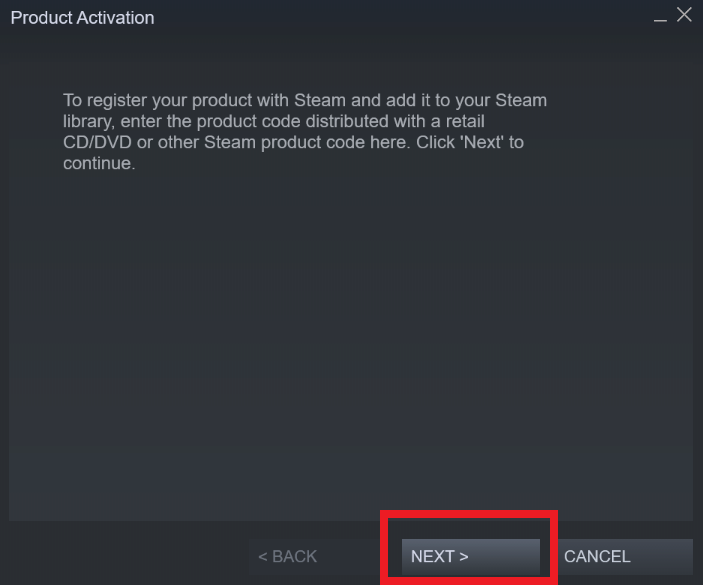
When the Product Activation window opens, select Next.
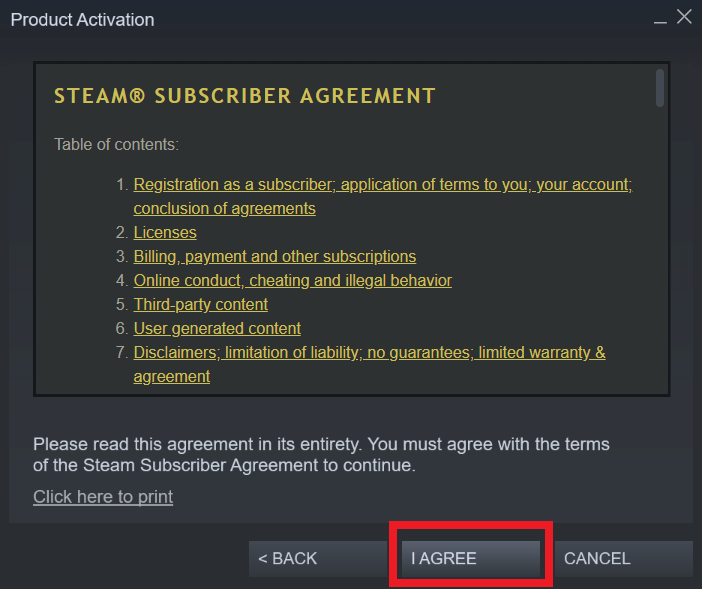
3Accept the Steam Subscriber Agreement
Select I Agree to accept the Steam Subscriber Agreement and continue.
4Enter your product code
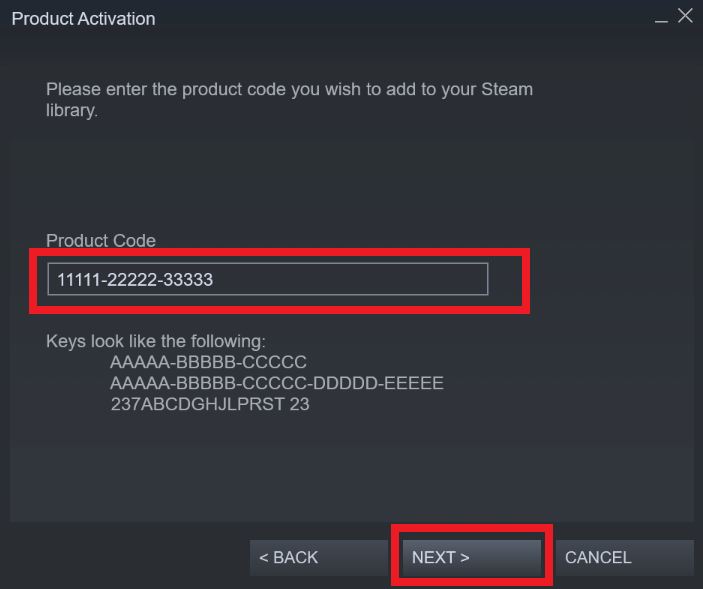
Copy the game key and paste it in the Product Code field, then click Next.