Ubisoft Connect Key Activation
Activate your Ubisoft Connect code through the Ubisoft Connect PC application.
Activation steps
Open Ubisoft Connect1Download Ubisoft Connect
To activate your Ubisoft Connect code, visit Ubisoft Connect and download it for your PC.

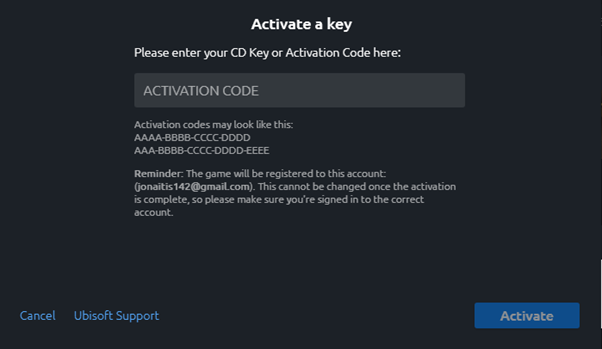
2Open Activate a key
After you launch the app, sign in to your Ubisoft Connect account or create a new one. Once you sign in or register, click on the Menu and select Activate a key.

3Enter your game key
An activation window will pop up. Paste your Game Key into the designated area and click the Activate button.