Nintendo Switch Key Activation
Activate your Nintendo Switch product key or gift card through the Nintendo website or directly on your console.
Website activation
Use these steps to activate your product key or gift card on the Nintendo website.
Create or open Nintendo accountOpen Nintendo redemption page1Sign in to your Nintendo account
Log into your Nintendo account. If you do not have one yet, you can create it through the official Nintendo account page.
2Open the redemption page
Go to the Nintendo product key and gift card redemption page.
3Enter your code
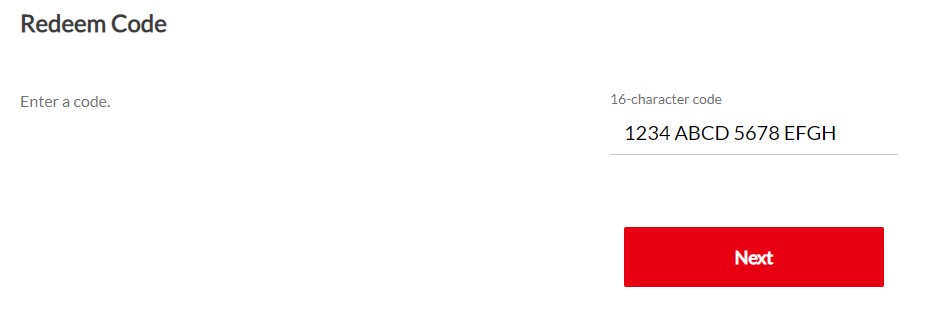
Paste the provided code into the designated area and press the Next button.
Console activation
Use these steps to redeem your code directly on a Nintendo Switch console.
1Open Nintendo eShop
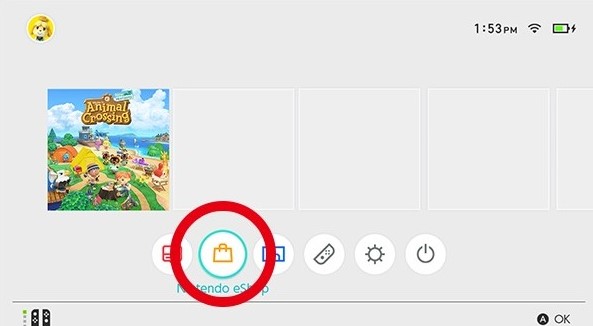
Select Nintendo eShop on the HOME menu to launch it.
2Select your account
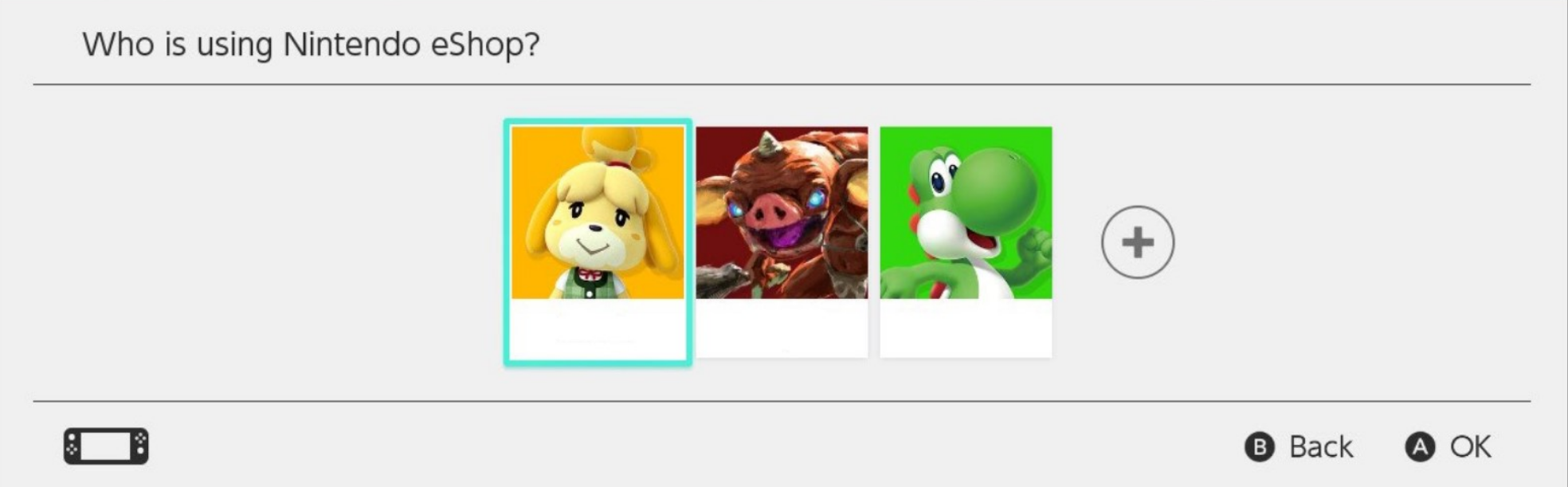
Select the account on which you would like to redeem the code.
3Redeem your code
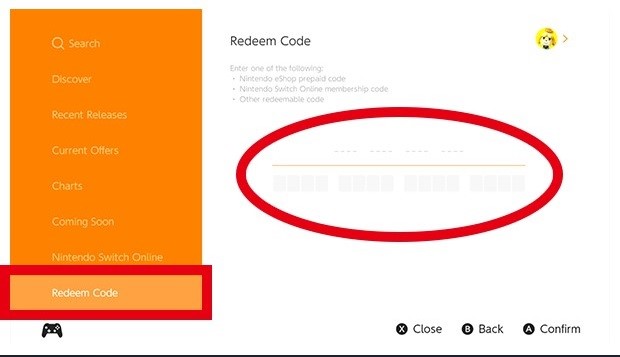
Select Redeem Code on the left side of the screen, then enter the provided 16-character code.