




Microsoft Windows 10 Education


























































































































































































































































€23.90









About Microsoft Windows 10 Education
Microsoft Windows 10 Education is built for schools, colleges, and training providers that issue Windows PCs to students and staff. It delivers a full Windows 10 desktop for classroom apps, browsers, and Microsoft 365 work, while giving campus IT the management and security headroom expected on shared lab machines, exam rooms, and faculty laptops.
Education is meant for campus-owned or programme-issued devices — not as a casual Home substitute on a personal PC bought outside a school agreement. Institutions that still run Windows 10 fleets rely on it when hardware is not yet ready for Windows 11, but classrooms still need consistent policies, update control, and a familiar environment for learning software.
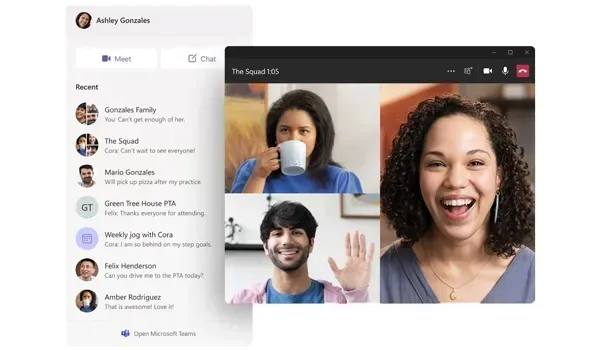
Classroom Desktops Under School Control
Windows 10 Education balances everyday usability with institutional control. Teachers and students get Start, virtual desktops, and a stable app environment for Office, browsers, and specialist learning tools. Administrators can enforce app rules, protect data on shared devices, join school identity services, and schedule updates around holidays instead of mid-lesson — the same governance mindset schools expect from Enterprise-oriented Windows editions.
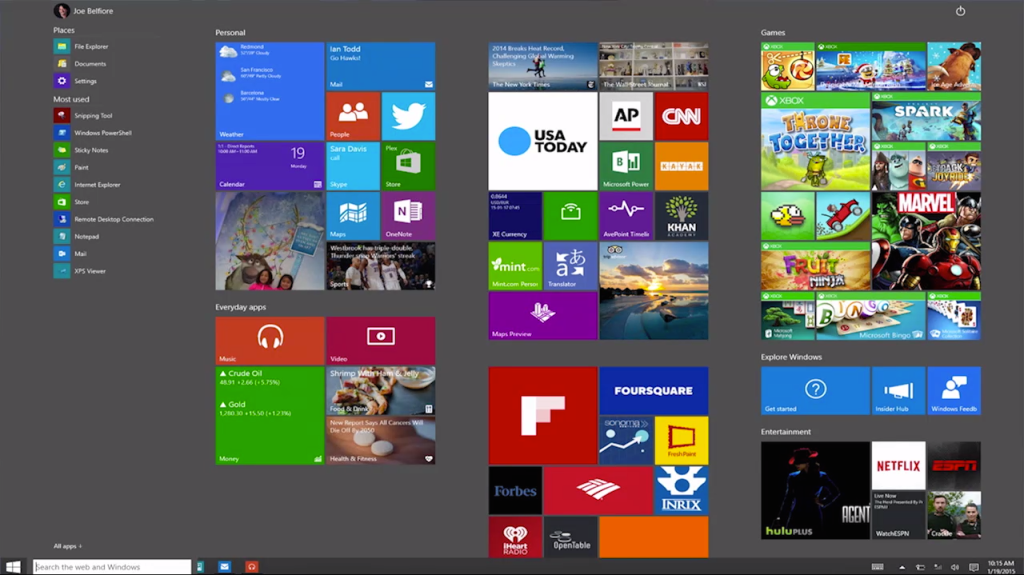
Touch-friendly layouts and tablet mode help on convertible education devices, while BitLocker, Remote Desktop, Hyper-V, and Group Policy support IT staff who maintain mixed labs. Faculty machines that sit outside a campus SKU often use Professional instead; personal family PCs should stay on Home.
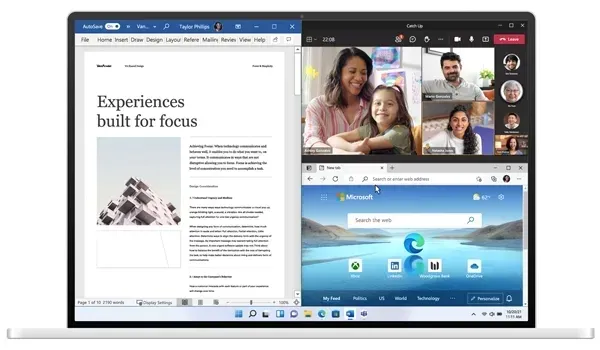
Education Edition Features
- Full Windows 10 desktop for teaching, study, and campus software
- Management and security options suited to shared lab fleets
- BitLocker Drive Encryption for school-owned devices
- Remote Desktop Host, Hyper-V, and Windows Sandbox for IT and advanced courses
- Active Directory / Microsoft Entra ID join for school identity
- Group Policy for consistent classroom configurations
- Windows Hello and Windows Security with Microsoft Defender
- Tablet mode and touch support on compatible education devices
- Compatibility with browsers, Office, and specialist learning apps
- Ongoing Microsoft security updates for Windows 10 Education installations
Education vs Home, Pro, and Enterprise
Choose Windows 10 Education when the PC belongs to a school programme. Personal devices belong on Windows 10 Home. Solo staff or small offices without campus licensing usually pick Windows 10 Professional. Large non-education fleets typically deploy Windows 10 Enterprise. When student hardware meets Windows 11 requirements, compare Windows 11 Education.
System Requirements
Windows 10 Education runs on a broader set of PCs than Windows 11. Still confirm each lab machine before imaging:
- Compatible processor (1 GHz or faster recommended)
- At least 2 GB of RAM for 64-bit installs (more recommended for classrooms)
- At least 32 GB of available storage (64 GB+ preferred for school images)
- DirectX 9 or later with WDDM 1.0 driver
- Display with 800×600 resolution or higher
- Internet access for updates, activation, and school cloud accounts
Windows 10 does not require TPM 2.0 the way Windows 11 does, which is why many campuses keep Education on older labs until hardware is replaced.
Installation & Activation
This license activates Windows 10 Education on a matching Education installation. It is not for Home or Professional and does not convert one edition into another. Confirm Settings → System → About, install from official Windows 10 Education media, then enter the product key under Settings → Update & Security → Activation (or Settings → System → Activation on newer builds). Students and parents should check with school IT before buying — many campuses activate through their own Microsoft education agreement.
Related Windows Editions
Staff PCs outside campus licensing may suit Windows 10 Professional. Corporate-style rollouts align with Windows 10 Enterprise, while personal machines stay on Windows 10 Home. Newer eligible devices can move to Windows 11 Education or Windows 11 Home when hardware allows.
Buy Microsoft Windows 10 Education
Microsoft Windows 10 Education is the right choice for campus and school PCs that need a stable Windows 10 classroom desktop with education-grade management. Browse all editions in Operating Systems, explore the wider Software catalogue, or compare Windows 11 Education before checkout.
| Platforms: | Windows |
|---|---|
| Product Type: | Operating systems |
| Regions: | Global |
| Languages: |
|