




.webp)
Microsoft Windows 10 Home






















































































































































































































































€12.90









About Microsoft Windows 10 Home
Microsoft Windows 10 Home is the consumer edition most families, students, and everyday users want on a personal laptop or desktop. It covers homework, video calls, shopping, streaming, light creative work, and the apps you already know — without the business administration tools reserved for Professional and Enterprise.
If the PC is mainly for personal life rather than office networks and encrypted work drives, Home is usually the sensible choice. You still get a stable Windows 10 desktop, a wide range of apps and games, and support for common printers and accessories — you are simply not paying for BitLocker management, domain join, or Remote Desktop hosting that a shared family machine rarely needs.
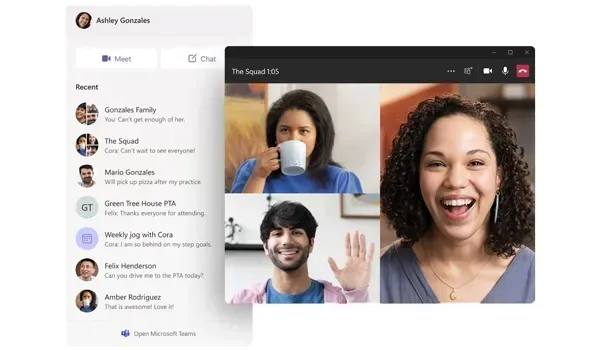
Personal Windows Without Enterprise Overhead
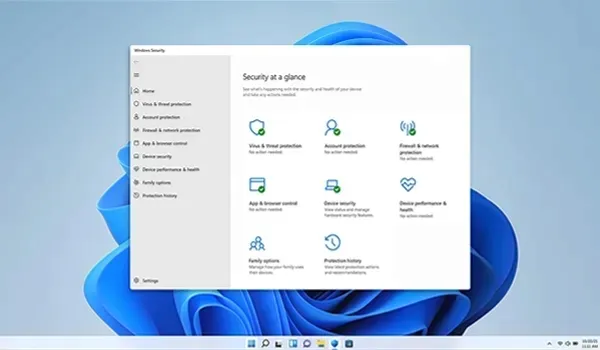
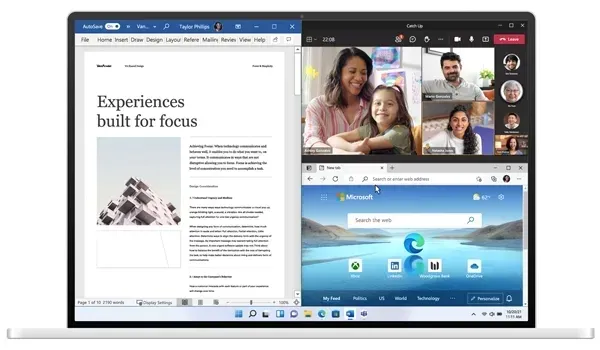
Windows 10 Home keeps things straightforward: Start menu, virtual desktops, Microsoft Store apps, Windows Hello on supported hardware, and Windows Security with Microsoft Defender working in the background. Multitasking stays familiar for browsing, messaging, and schoolwork. Gamers and media users benefit from broad hardware compatibility — and unlike Windows 11, Windows 10 Home does not require TPM 2.0, so many older laptops remain eligible.
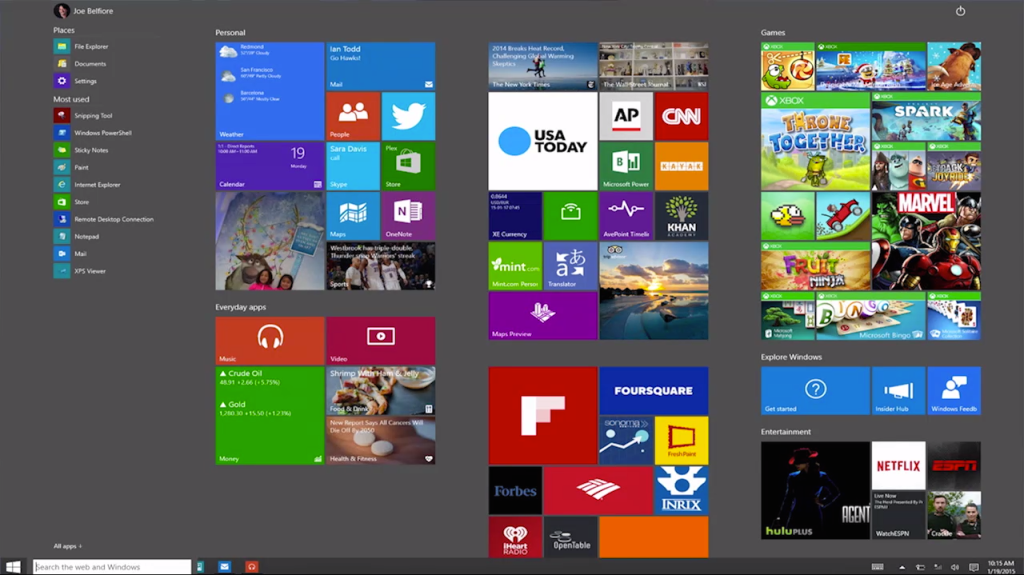
Tablet mode and touch-friendly layouts help on convertibles and 2-in-1 devices. Family accounts, browsers, Office apps, and entertainment services run on the same everyday desktop millions of home users already understand. When you need domain join, BitLocker drive encryption management, Hyper-V, or Remote Desktop hosting, step up to Professional instead of overbuying features you will never open.
Home Edition Features
- Full Windows 10 desktop for personal and family use
- Microsoft Store access for apps and entertainment
- Virtual desktops and familiar multitasking tools
- Tablet mode and touch support on compatible devices
- Windows Hello biometric sign-in on supported cameras and fingerprint readers
- Windows Security with Microsoft Defender protection
- Broad compatibility with printers, games, and everyday peripherals
- Works on many PCs that cannot meet Windows 11 TPM 2.0 requirements
- Regular Microsoft security updates for Windows 10 Home
Windows 10 Home vs Pro and Windows 11
Stay on Windows 10 Home for personal browsing, schoolwork, gaming, and family entertainment. Choose Windows 10 Professional if you need BitLocker, Remote Desktop hosting, Hyper-V, or domain join. Managed company fleets often use Windows 10 Enterprise; campuses may look at Windows 10 Education. Shopping for a newer eligible machine? Compare Windows 11 Home.
System Requirements
Windows 10 Home is more forgiving than Windows 11 on older hardware. Confirm your PC before installing:
- Compatible processor (1 GHz or faster recommended)
- At least 2 GB of RAM for 64-bit installs (4 GB+ recommended for comfortable everyday use)
- At least 32 GB of available storage
- DirectX 9 or later with WDDM 1.0 driver
- Display with 800×600 resolution or higher
- Internet connection for setup, updates, and Microsoft account features
TPM 2.0 is not required for Windows 10 Home the way it is for Windows 11 — a major reason households keep Windows 10 on older laptops.
Installation & Activation
This license activates Windows 10 Home on a matching Home installation. It must match the edition on your PC — Home activates Home. It is not a Pro key and will not convert Professional into Home or upgrade Home to Pro. Confirm Settings → System → About, install from official Windows 10 Home media, then enter your product key under Settings → Update & Security → Activation (or Settings → System → Activation on newer builds). Back up personal files before a clean install.
Related Windows Editions
Need work encryption and remote hosting? See Windows 10 Professional. Fleet-managed PCs compare Windows 10 Enterprise, while school devices may use Windows 10 Education. Ready for Microsoft’s newer desktop on compatible hardware? Look at Windows 11 Home or Windows 11 Professional.
Buy Microsoft Windows 10 Home
Microsoft Windows 10 Home is the right digital edition for personal PCs that need a stable Windows 10 desktop for everyday work, study, gaming, and family use. Browse all editions in Operating Systems, explore the wider Software catalogue, or compare Windows 11 Home before checkout.
| Platforms: | Windows |
|---|---|
| Product Type: | Operating systems |
| Regions: | Global |
| Languages: |
|